Overworld nodes
no node selected. Click a dot on the map or a row below and drag it into place.
Screen nodes
Room image
no node selected
Render as
Exit arrow direction
Room labels
Text drawn on the art, for the exits a room can't explain itself.
A label tied to a node is a caption on that marker: drag it to the
side of the door you want it on and it hangs off the marker there,
following it at any screen size. While it's selected the arrow keys
nudge and +/− resize.
How this works
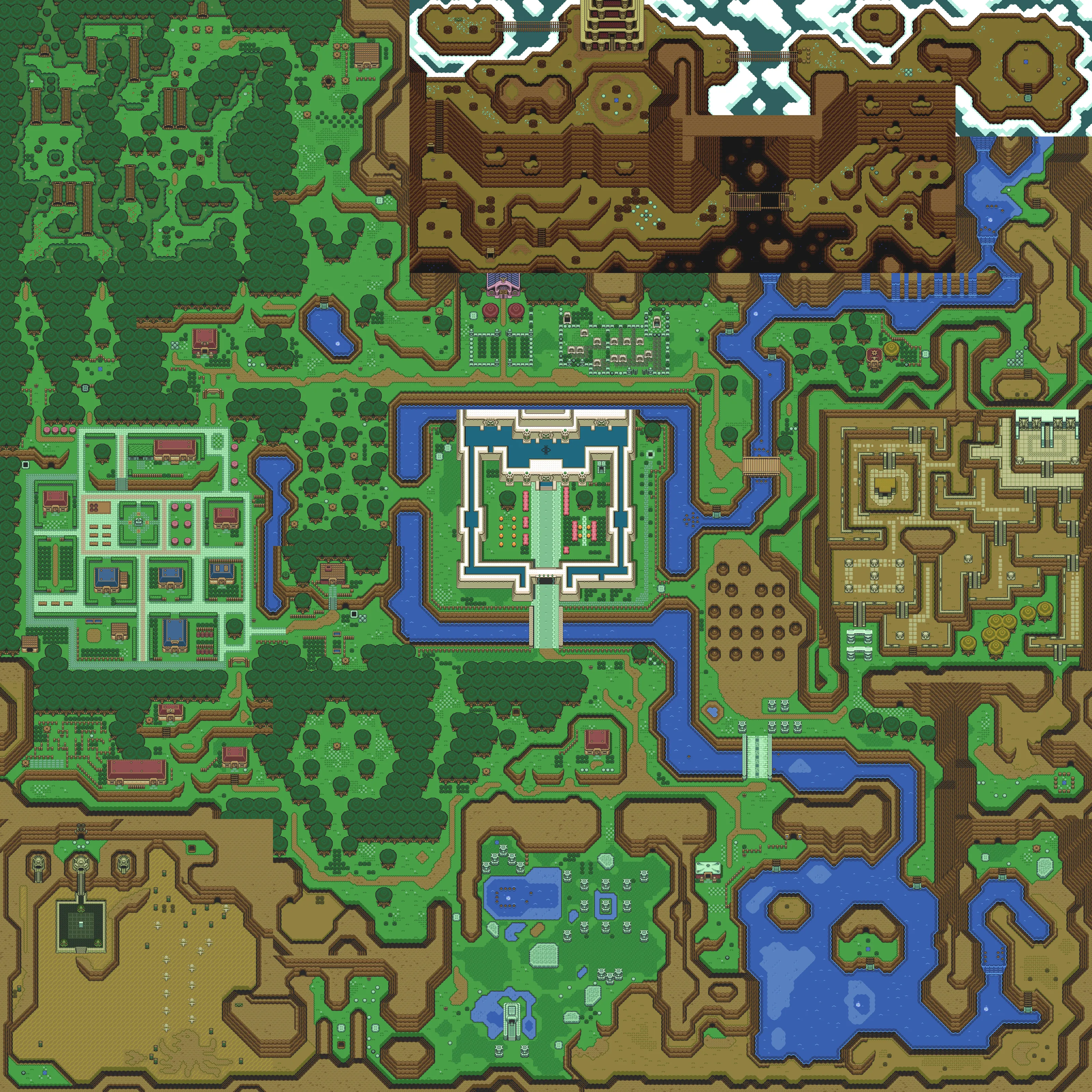
Fine-tune where the check and dungeon nodes sit on the world map
(map travel). drag a node onto the
right cave mouth / house / entrance, or click it
and use ←→↑↓ (Alt = bigger
steps), Tab for the next node,
Esc to deselect. A
gold dot marks moved nodes; faded dashed
ones aren't drawn in the game (they only anchor an area).
Edits save to this browser instantly, and a game tab redraws them
live. Export map-nodes.json writes just the tweaks: drop it in
web/data/map-nodes.json and redeploy to ship it.
Positions are cosmetic. The logic doesn't change.
▦ Screen grid overlays the vanilla 8×8 screen borders if you want
to keep a node inside its own screen.
Cut room art for Original mode straight out of the dungeon floor
renders, or pick 📁 open an image from this PC… to cut from any
screenshot.
drag on the image = new box · drag the
gold box or its corners to adjust ·
←→↑↓ nudge 1px (Alt = 8px,
Shift+arrows resize) · 🔍 zoom for fine cuts.
Type the target screen id so the cut knows where it goes.
👁 Preview in game shows your cut on that screen instantly (this
browser only, and it keeps winning over deployed art until you
Remove preview). ⬇ Download PNG saves the cut pixel-perfect
at the chosen × scale and copies the crop recipe. Copy both into the
repo to ship it as the screen's webp.
Fix misplaced doors/chests in Original travel mode. Pick any of
the 278 screens, then drag a node onto the
right spot on the art (←→↑↓ nudge the
selected node, Alt = bigger steps,
Tab next screen). A
gold dot marks moved nodes.
Edits save to this browser instantly, and a game tab in Original
mode redraws them live. Export screens.json bakes your moves
into a full data file: replace web/data/screens.json
and redeploy to ship it. Positions are cosmetic. The logic doesn't
change.
Room labels write text onto the art for the exits a room can't
explain. Desert Palace's hall has the ledge door right under the way
into the boss half, and nothing on screen says so. Add one, drag it where
it belongs, type the wording; a selected label takes the
←→↑↓ and +/−
keys instead of the node. They live in
web/data/screen-labels.json, its own file, so a label can
never shift a node override.
 Z3RSim
map editor
Z3RSim
map editor